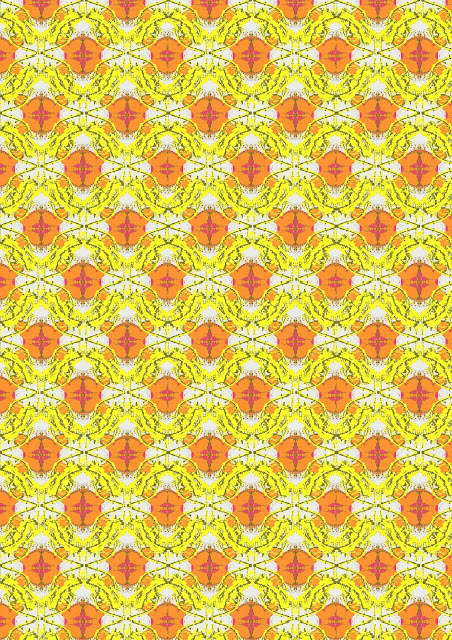
HOW TO MAKE A SYMMETRICALLY REPEATING PATTERN
- Go to Brushezzy.com and download any set of brushes that you want.
- After downloading, open up a new photoshop document.
- Unlock the background layer and fill it with any chose color
- Stamp the brushes on to the page, playing with them so that different visual effects are created. You can do this by Rotating, Reflecting, Using different colors, Layering and filters.
- When you have a graphic that you are satisfied with, Reflect it on the X and Y axis so that essentially it fulfills the page 4 times (i.e. has a mirror line on all sides of the original image)
- Then go up to the Edit --> define pattern and define your pattern edges. You may want to do this in a couple of different places to see how they turn out, as each one will probably be different.
- Open up a new document and fill the page with your pattern using the paint bucket tool. If the pattern look slightly wrong and is making your eyes go funny then it probably has track marks. In which case keep redefining the pattern until you get it right and the track marks disappear.